SecureOps

SecureOps

Security Operations Platform

Secure. Verified. Accountable.

v2.4

Currently running live operations across South African guarding sites.

Stop "Ghost Guarding" and Spreadsheet Chaos. Run an Audit-Proof Security Business From One Screen.

The all-in-one South African security workforce platform that links face-verified clock-ins directly to PSIRA compliance and payroll. Built for South African security operators. No heavy setup fees.

Get your security operations running in under 5 minutes

Ask us on WhatsApp
Security operations director in a modern control room
Face-verified clock-ins
Linked to PSIRA & payroll

Sound familiar?

The problems quietly eating your margins

Security business owner buried in paper rosters

Tired of "buddy clock-ins"?

Camera-enforced mobile selfie verification with GPS geofencing stops guards from clocking in for absent friends.

Terrified of surprise PSIRA audits?

The system hard-blocks managers from assigning shifts to an officer with expired credentials — before it becomes your problem.

Spending weekends on payroll?

Leave the manual calculations behind. Worked hours, night and overtime rates, penalties, loans and deductions flow into payroll automatically.

What it actually means for you

Less admin. More control. Bigger contracts.

Security officer checking in on the SecureOps app

Your guards, verified on site — every shift.

Every module in one app

The Complete Command Centre

Your entire back-office, fleet tracker, weapon registers and control room — on a single screen.

Automated alert import

Occurrence Books That Write Themselves

Remote CCTV camera alerts, clock events and roll-calls automatically write their own security log entries.

Live client portal

Your Secret Weapon for Tenders

Give body corporates and estate HOAs a live dashboard proving guards on duty, patrols and incident follow-ups.

Public talent registration

An On-Demand Guard Pool

Never scramble for a last-minute replacement again — search a regional pool of pre-registered guards.

See it in action

What your team sees every day

Command Centre

Every site's status on one screen

Green, amber or red at a glance — staffing, patrol percentages, alarms and incidents per site, updated live.

secureops.app/Dashboard
Live Command Centre
6 sites operating right now
4 clear1 attention1 action
Klein Joostenberg
Day · 3/3 on duty
96%All clear
Stellenbosch Estate
Day · 2/2 on duty
88%All clear
Paarl Logistics Park
Day · 1/2 on duty
71%Short-staffed
Bellville Retail
Day · 2/2 on duty
92%All clear
Durbanville Office
Alarm triggered
64%Action needed
Somerset Mall Gate
Day · 4/4 on duty
99%All clear

Guard mobile app

Clock-ins you can actually trust

Guards clock in with a live selfie inside the site's GPS boundary. Expired PSIRA? The app blocks the shift.

Clock In
Klein Joostenberg · Day shift
Face matched to profile98% match
Inside site boundary42 m from pin
PSIRA registration validExp. 2027
CLOCK IN

Occurrence Book

An OB that writes itself

Camera alerts, roll-calls, clock events and incidents are logged automatically with official OB numbers.

secureops.app/OccurrenceBook
Occurrence Book
Auto-logged today: 14
OB-20260925-0014· 09:42 · CCTV alert
Motion detected at north gate — guard dispatched, all clear.
OB-20260925-0013· 09:00 · Roll-call
Hourly roll-call — all 3 officers responded on time.
OB-20260925-0012· 07:58 · Incident
Suspicious vehicle reported, registration logged, SAPS notified.
OB-20260925-0011· 06:02 · Clock in
S. Mokoena clocked in — face verified, on site.

Payroll

Month-end in minutes, not weekends

Verified hours, overtime, KPI fines, loans and deductions flow straight into payroll — ready for approval.

secureops.app/Payroll
Payroll · September 2026
Calculated from verified clock-ins
Ready to approve
OfficerHoursOvertimeKPI finesNet pay
S. Mokoena208.024.0R 350R 9 842
J. van Wyk192.012.0R 0R 9 015
T. Dlamini216.036.0R 75R 10 530
A. Petersen184.00.0R 50R 8 210
The Complete Feature List

16 modules. One platform.

Everything a South African security company needs — from the guard's first clock-in to the director's month-end payroll.

01 · HR & People

Onboard, manage and discipline your workforce — without a single paper file.

Every employee's documents, agreements, verifications and HR history live in one secure digital file.

  • Full employee lifecycle: applicant → verified → signed → active → archived
  • Document vault: ID, PSIRA, bank, licence, medical, criminal clearance, firearm competency
  • PSIRA pre-screen verification with photo, grade and expiry checks
  • Digital signing of employment agreements, code of conduct and disciplinary code
  • Practical assessments, aptitude tests and demonstration videos
  • Site induction with employee acknowledgement and signature
  • Probation workflow: expectations, reviews, improvement plans, fairness checklist
  • Disciplinary records, hearings, warnings, settlements, resignations and terminations
  • Leave management with BCEA sick-leave cycles, AWOL detection and balances
  • Role-based permissions per company, invites via WhatsApp, email or QR
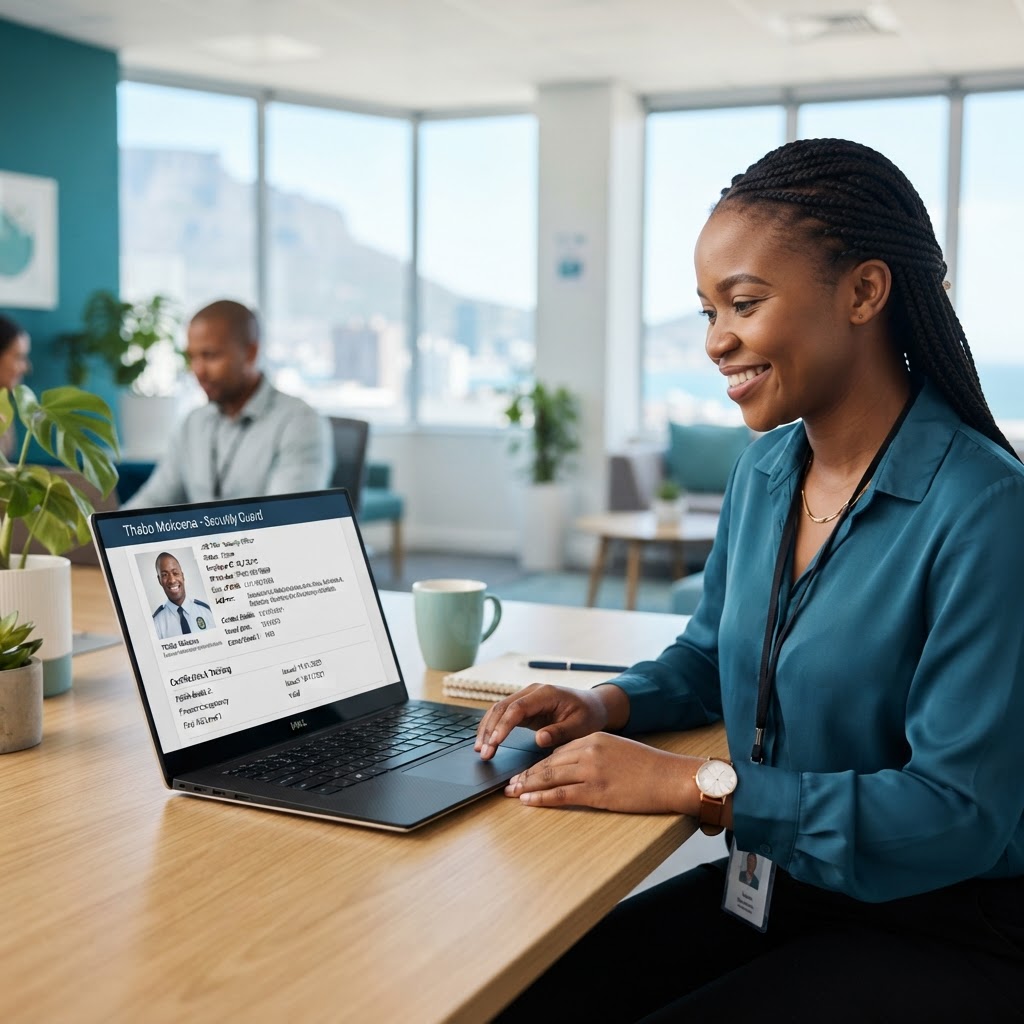
HR manager reviewing a digital employee file
Officer signing an agreement on a tablet
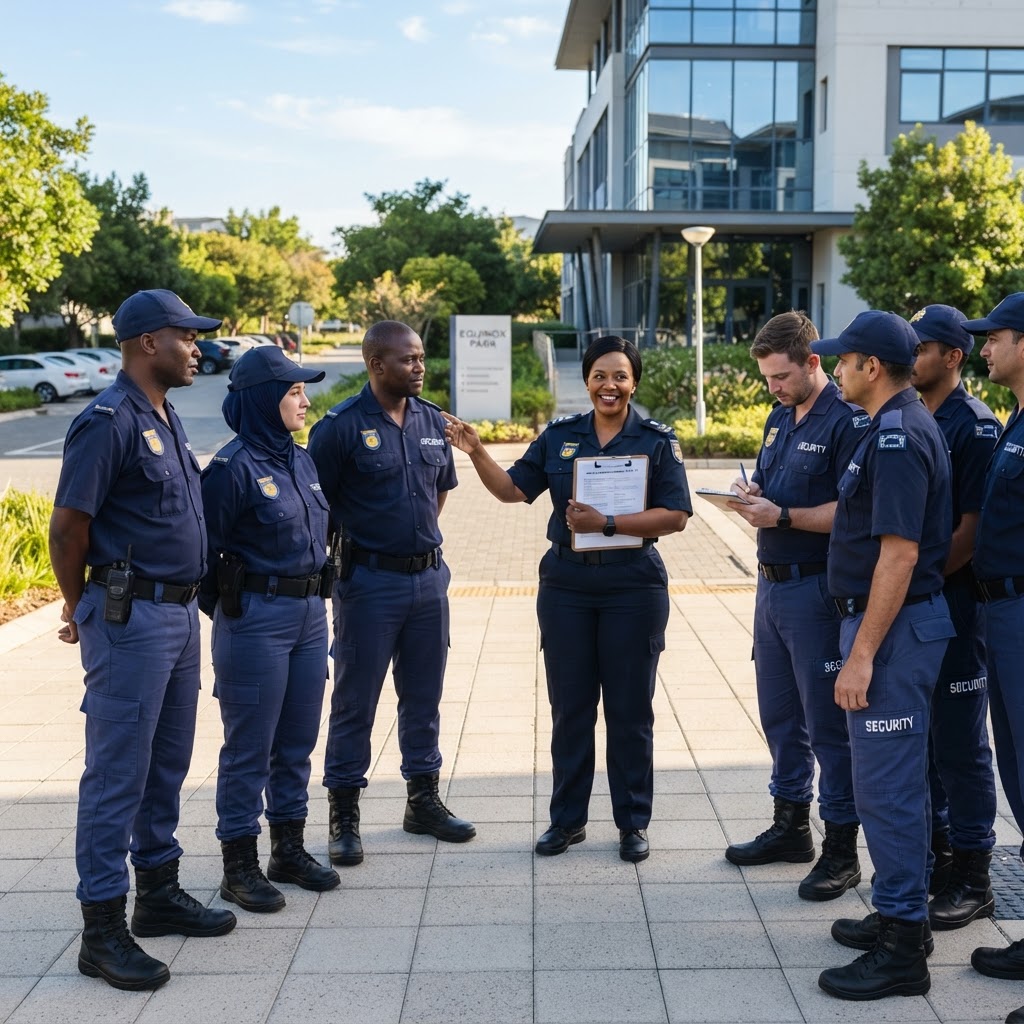
Guards at a site induction briefing
02 · Attendance & Clock-In

Zero ghost workers. Every clock-in is face-verified and GPS-proven.

Know exactly who is on site, when they arrived and that it really was them.
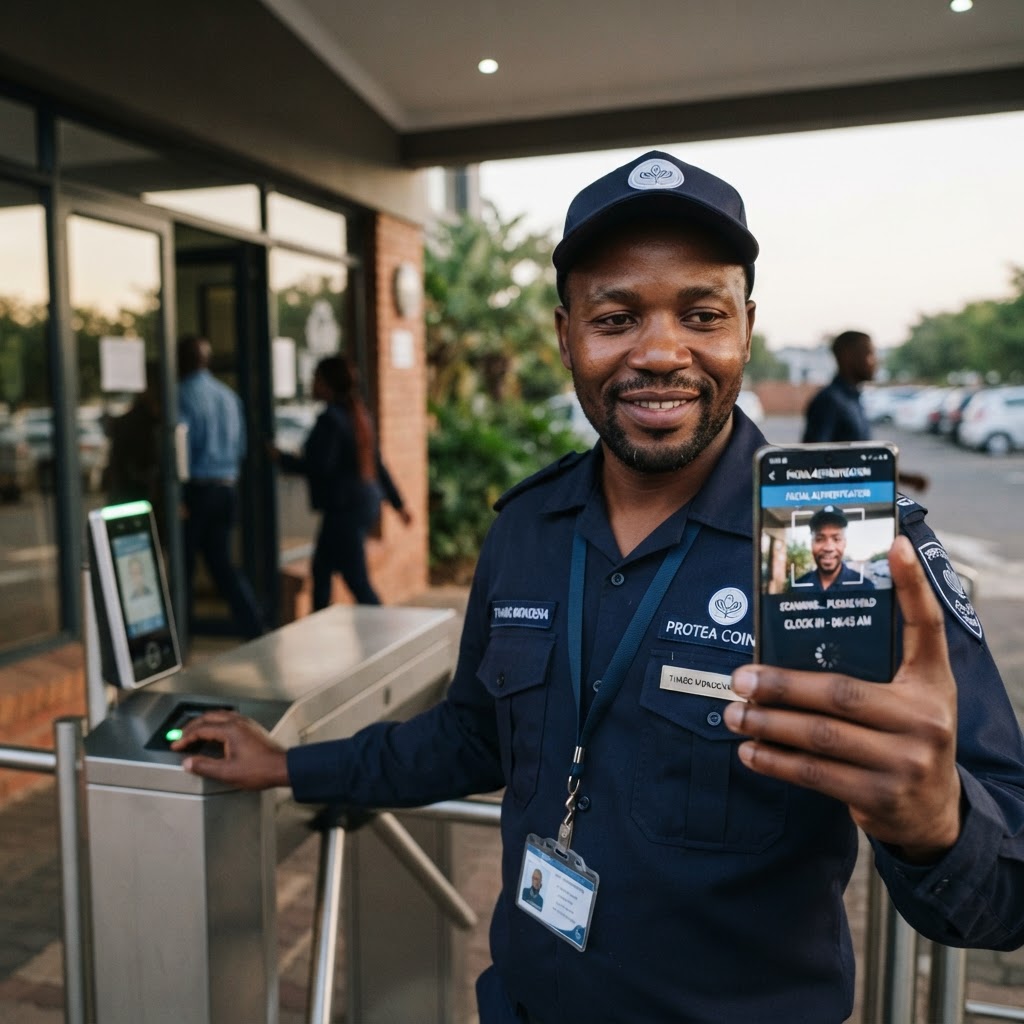
  • Mobile clock-in with live camera selfie and face verification
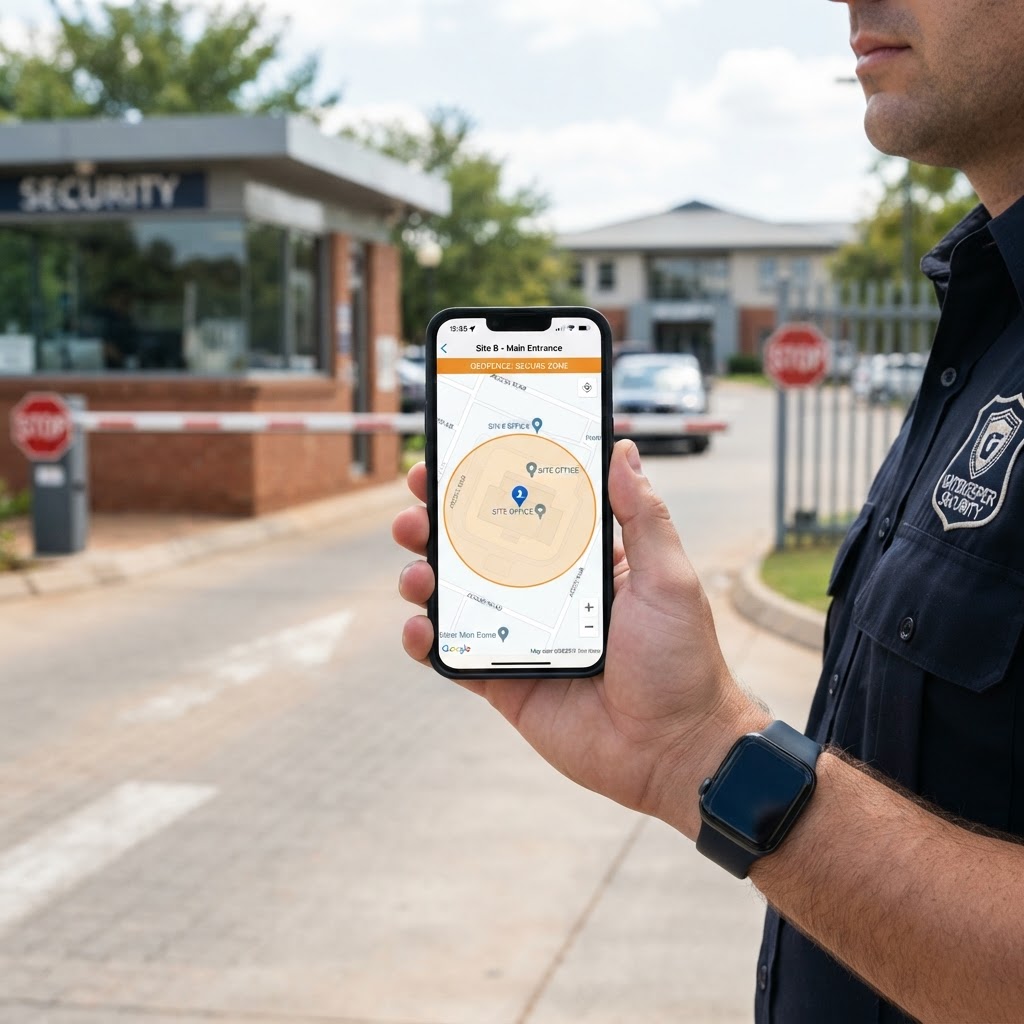
  • Per-site GPS geofencing with configurable radius
  • Offline clock-in queue that syncs when signal returns
  • PC clock-in gate for controllers (face or PIN + manager approval)
  • Automatic clock-out at 24-hour handover sites and standalone shifts
  • Double-shift detection, lunch-break tracking and manager overrides
  • No-photo and GPS-violation queries with KPI escalation
  • Manual and bulk clock-ins with reasons and full audit trail
  • Live site coverage grid and active-shift tracker
Guard clocking in with a face-verified selfie
GPS geofence on a phone
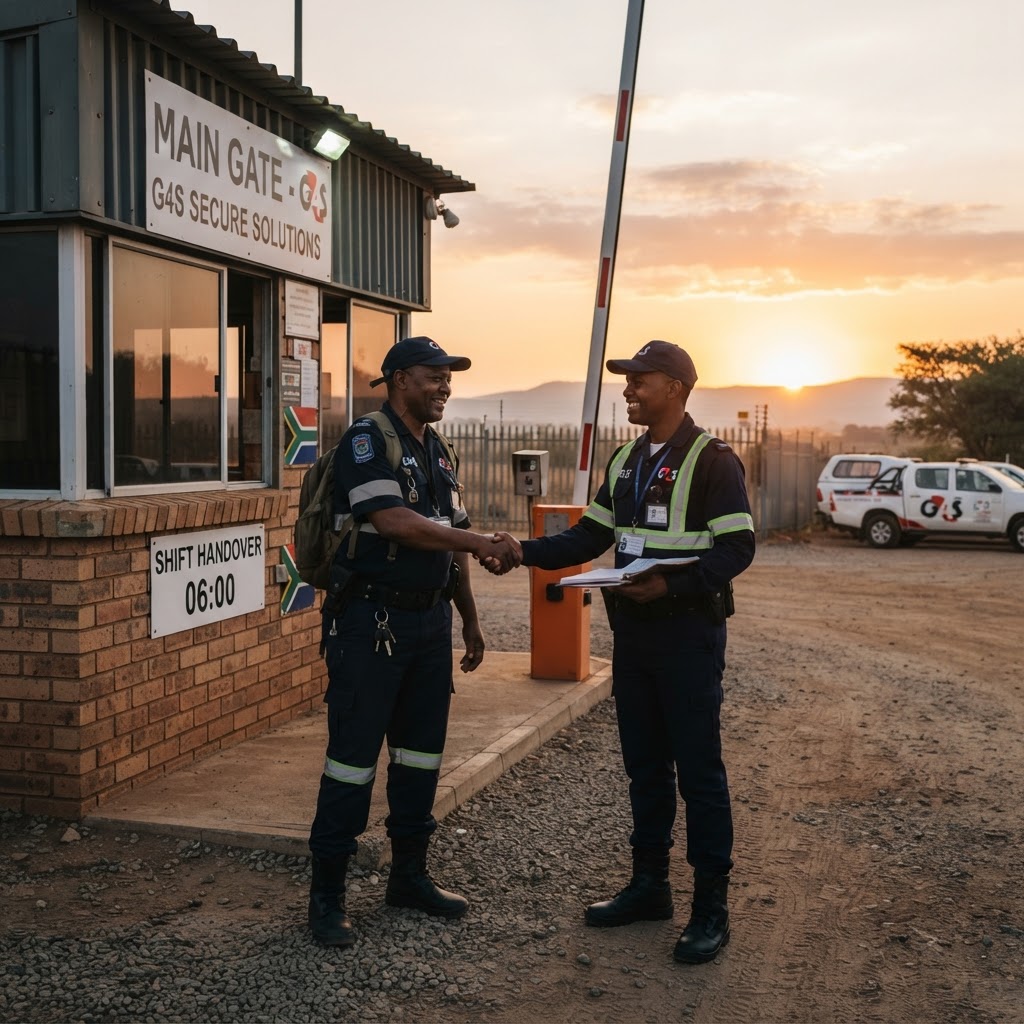
Shift handover at a guardhouse
03 · Rostering

Build a month's roster in minutes, not days.

Auto-generate compliant rosters that respect patterns, PSIRA status and site requirements.

  • Auto roster generation from site day/night staffing requirements
  • Roster patterns (5-on-2-off, 4-on-4-off, custom cycles) with mid-cycle offsets
  • Conflict detection and hard-block on expired PSIRA registrations
  • Spare pool filling for gaps and leave cover
  • Shift swaps and open-shift bidding with manager approval
  • Shift confirmation tracking with automatic penalties
  • Excel roster import, printable monthly rosters, version history
Manager viewing a monthly roster
Guard checking shifts on his phone
Night shift team briefing
04 · Occurrence Book

A tamper-proof digital OB that writes itself.

Clock events, alarms and camera alerts flow straight into the OB — nothing gets missed.
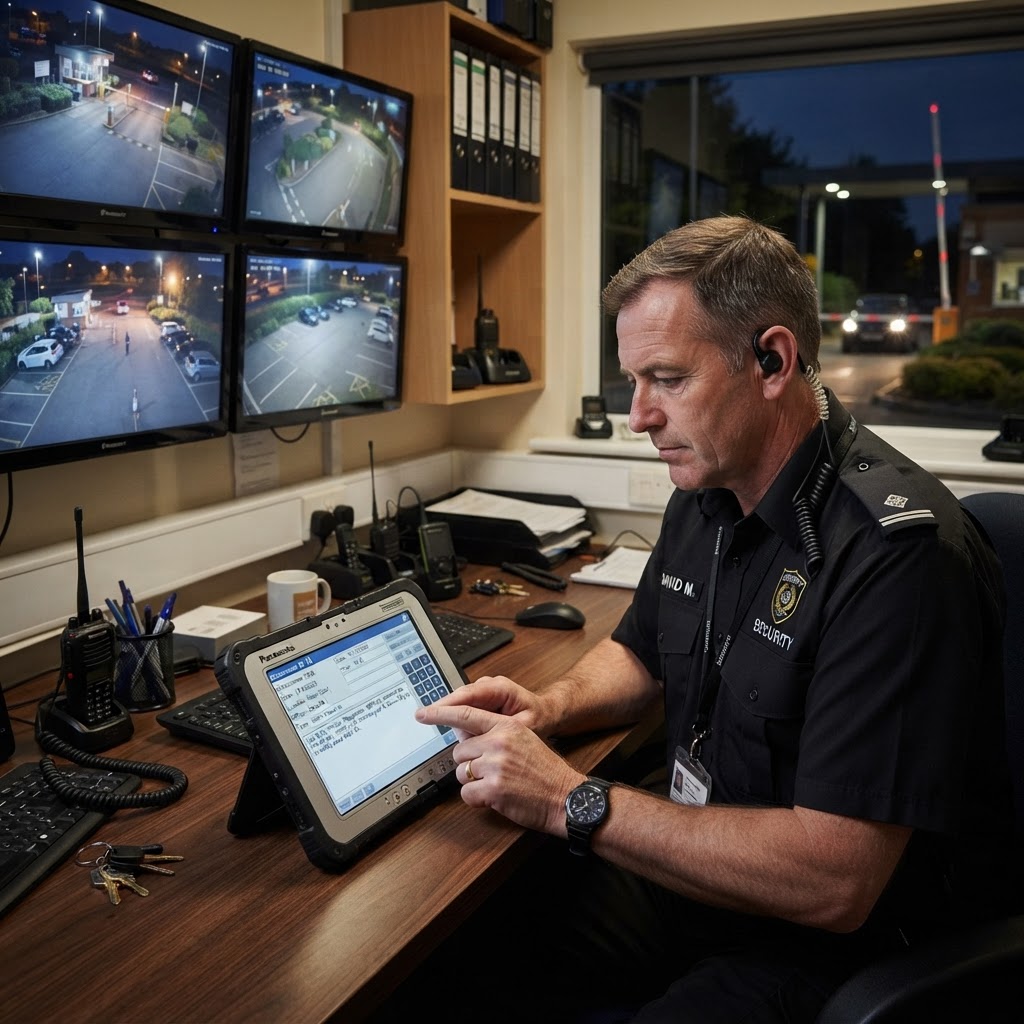
  • Digital OB register with authoritative daily OB numbering
  • Automatic entries from clock-ins, clock-outs and on-duty wizards
  • Camera/CCTV alert emails auto-converted to OB entries using AI parsing
  • Hourly roll-calls with per-site responses and missed-call escalation
  • Acknowledgement workflow with escalation of unacknowledged entries
  • Client-visible entries with manager-edited client wording
  • Stakeholder status updates shared via WhatsApp
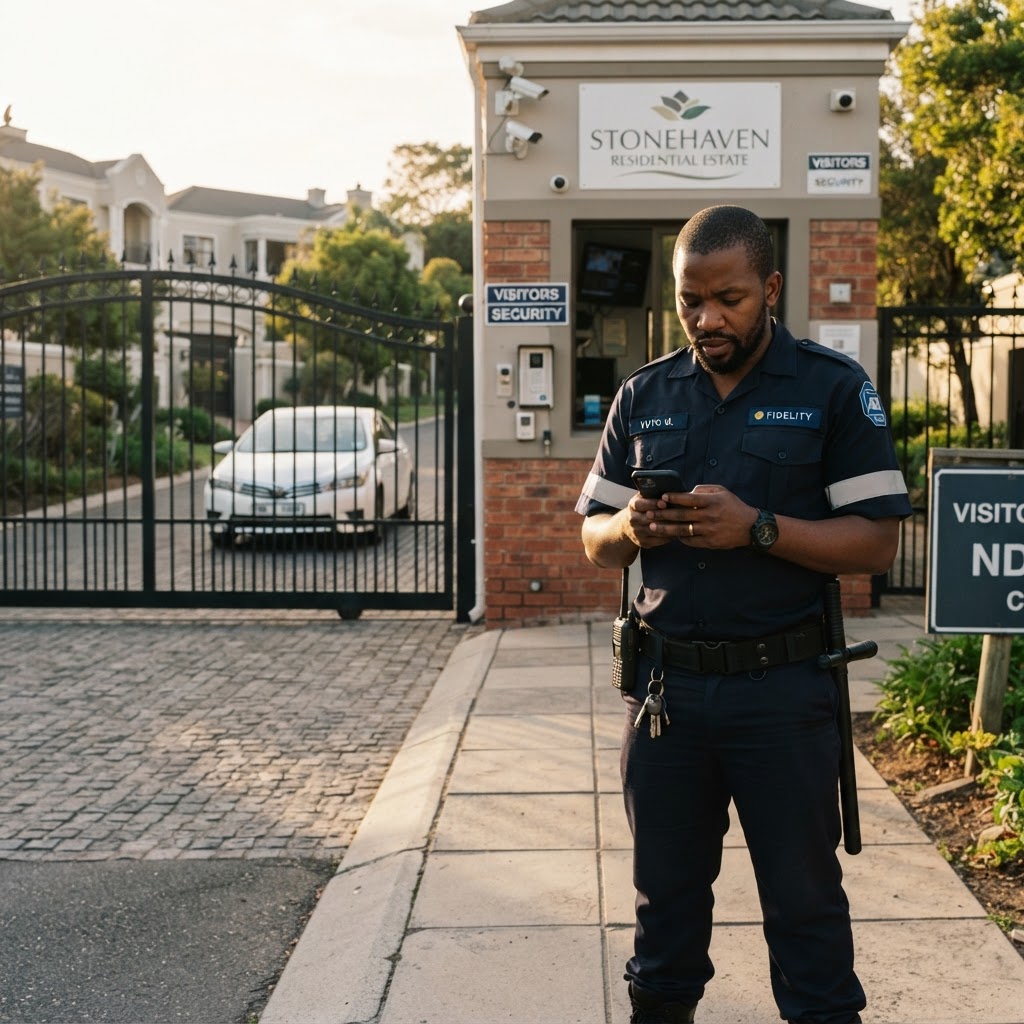
Digital occurrence book entry at a gatehouse
Control room CCTV video wall
Guard responding to a roll-call
05 · Alarm & Detection Hub

Every camera, panel and sensor alarm in one live control-room queue.

CCTV, Ajax, Hikvision, Dahua, Tiandy and drone alerts arrive instantly and are handled start to finish.
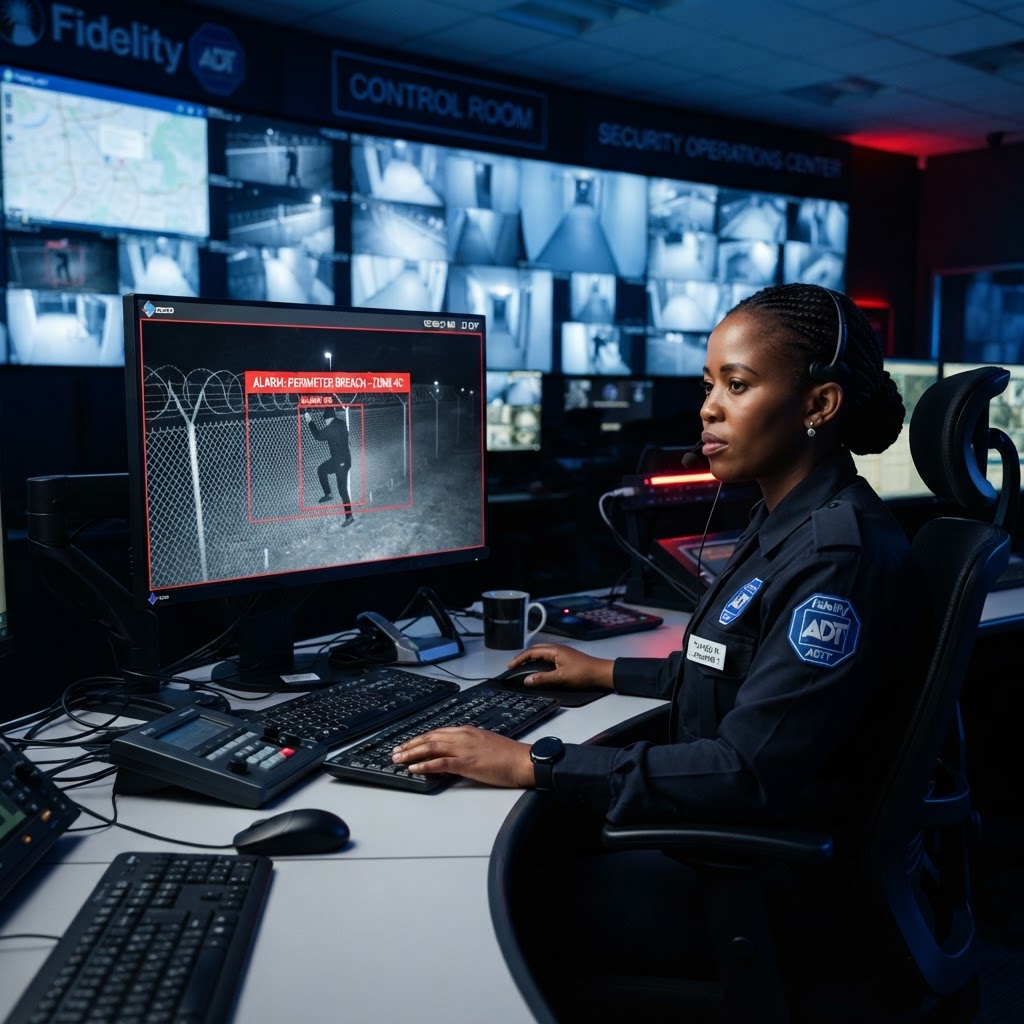

  • Connect cameras, NVRs, alarm panels, drones and sensors by email or webhook
  • Human, vehicle, line-crossing, intrusion, tamper, panic and fire detections
  • Live alarm queue with siren: acknowledge → verify genuine / false alarm → close
  • Actions logged: guard dispatched, armed response, SAPS, client notified, talk-down
  • Repeat alarms folded together so the queue never floods
  • Unacknowledged alarms escalated to supervisors automatically
  • Every alarm writes its own OB entry, with response-time and false-alarm stats per source
Controller acknowledging a CCTV intrusion alarm
AI detection camera on a perimeter fence
Guard responding to an alarm at a gate
06 · Patrols

Prove every patrol — and act on the ones that didn't happen.

Patrol data lands automatically and low performers are flagged before clients notice.
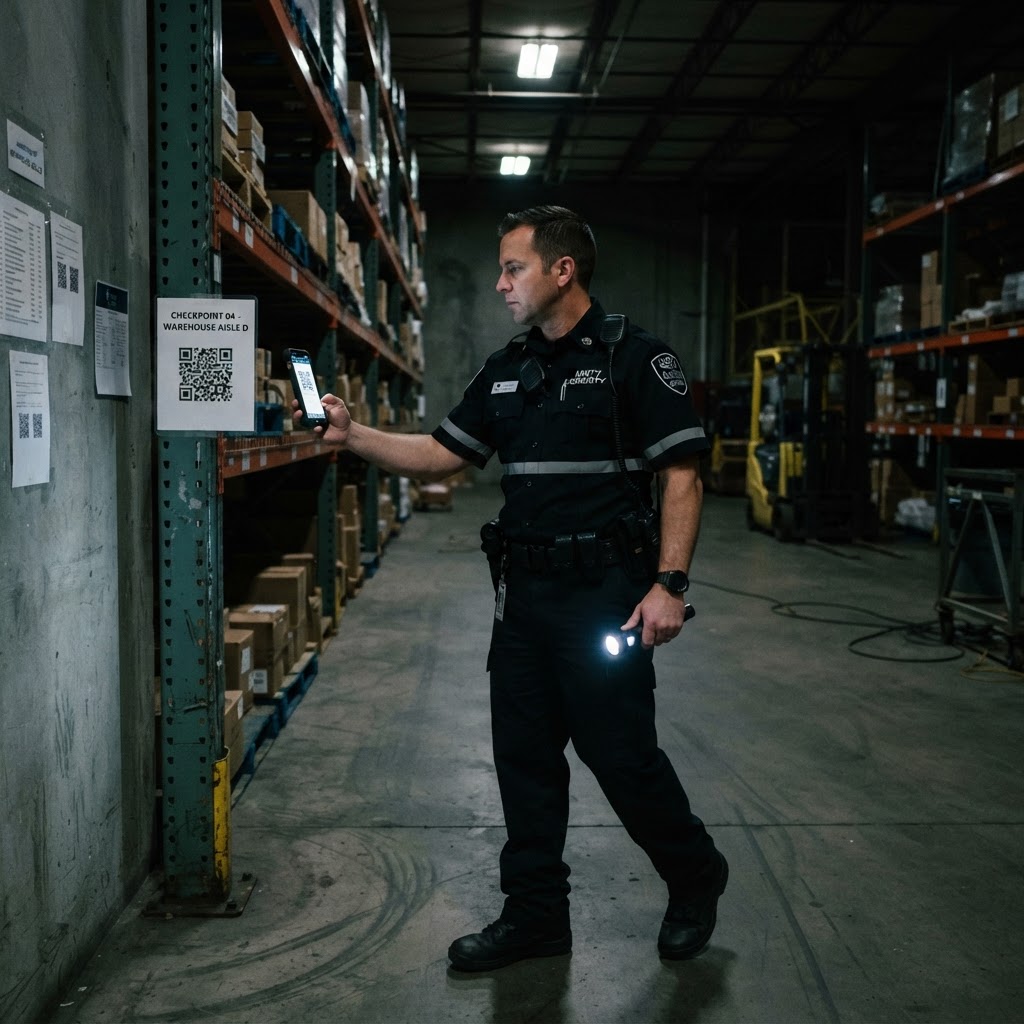
  • QR checkpoint patrol routes with live progress for guards
  • Automatic import of patrol reports from Armatrack, PTS and other providers by email
  • Site name matching with a needs-review queue
  • Patrol percentage per site, per officer and per month
  • Patrol leaderboard with shareable results
  • Low-patrol flags linked to HR action records on the dashboard
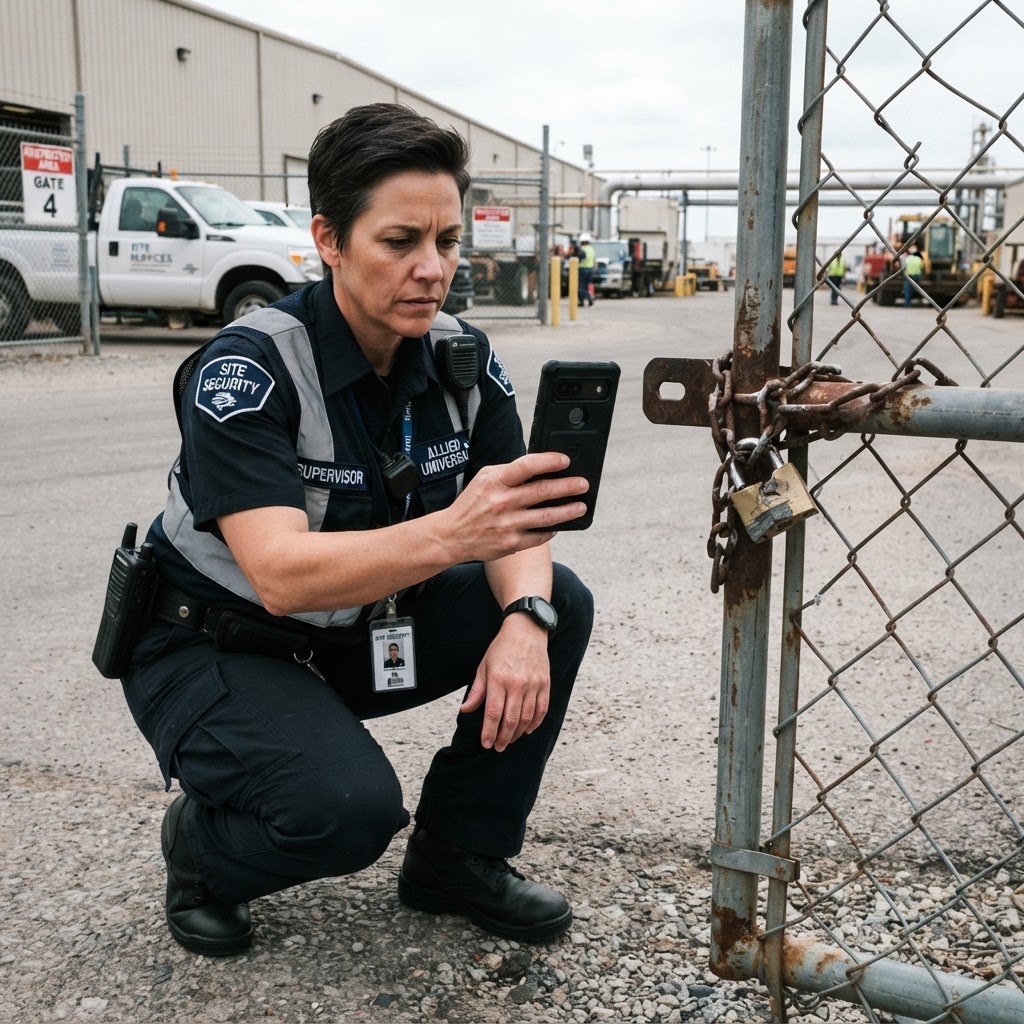
Guard scanning a QR checkpoint
Perimeter patrol at dusk
Patrol leaderboard on a laptop
07 · Incidents & Alerts

From SOS to resolution — every incident tracked, every action accountable.

Managers see what's urgent the moment it happens, with a clear queue to action it.
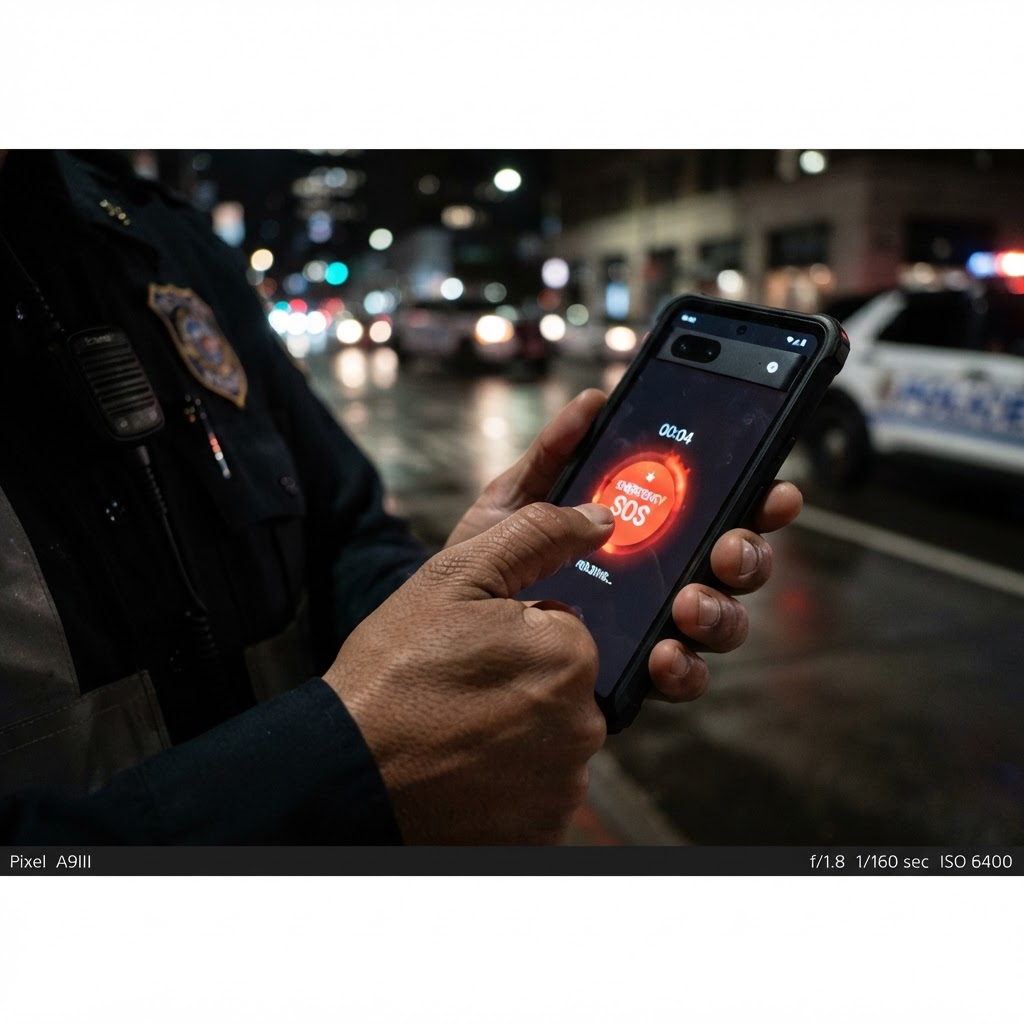
  • Incident reports with photos, GPS, severity and investigation workflow
  • Incident hotspot and heat maps
  • One-hold SOS panic button for guards with instant management alarm
  • Alert queue: acknowledge → in progress → resolved, with audit history
  • Automated KPI penalty ladder (warning, warning, R50, then +R25)
  • Critical incident notifications to managers
  • Geofence tamper protection with automatic revert
SOS panic button on a phone
Photographing damage for an incident report
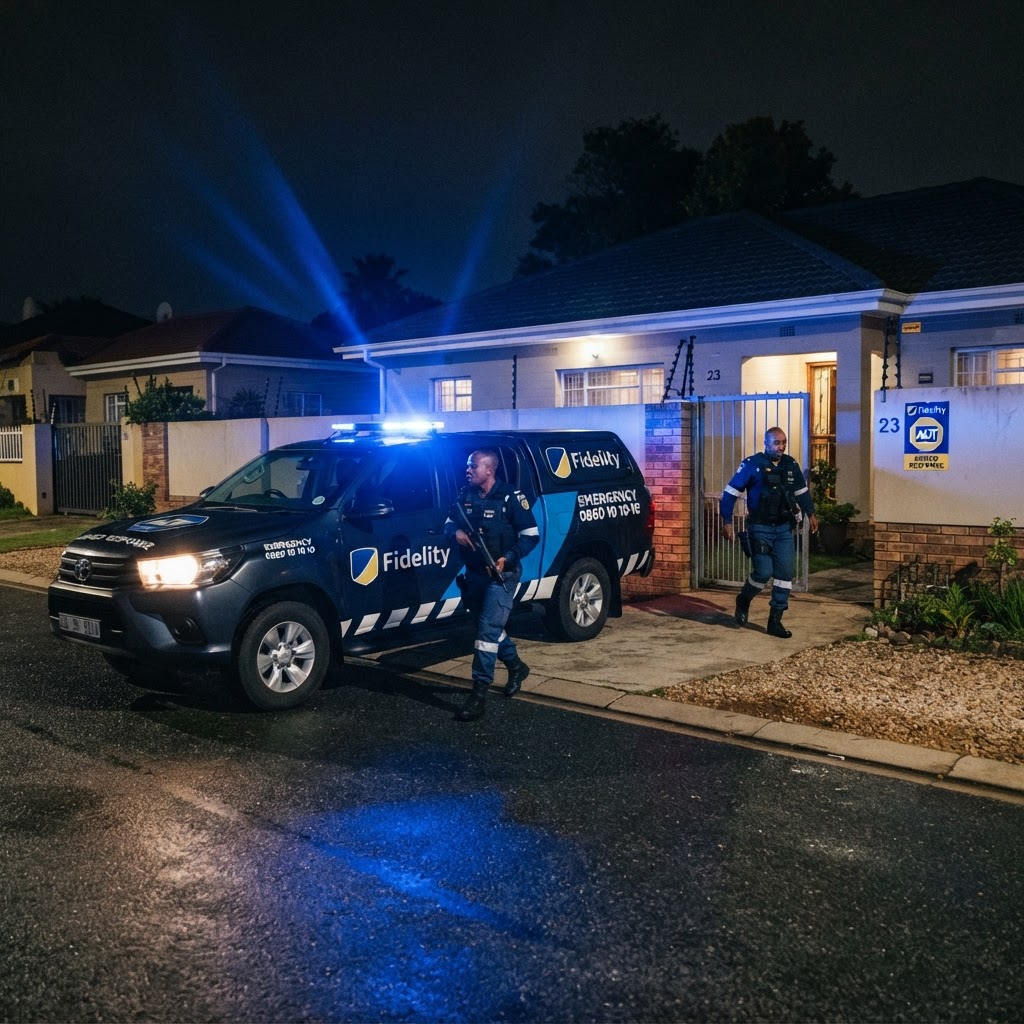
Armed response arriving on scene
08 · Suspects & Case Follow-up

Shared intelligence that helps the whole industry catch repeat offenders.

A cross-company suspect register and police case tracking turn incidents into convictions.

  • Platform-wide suspect register shared by every SecureOps company
  • Photos, aliases, ID numbers, distinguishing features and modus operandi
  • Wanted status, last-known location pin and verification by other companies
  • Linked SAPS case numbers, stations and offences per suspect
  • Police case follow-up: officers on scene, detectives and a running notes log
  • Court dates automatically added to the task manager as reminders
Investigator reviewing a suspect profile
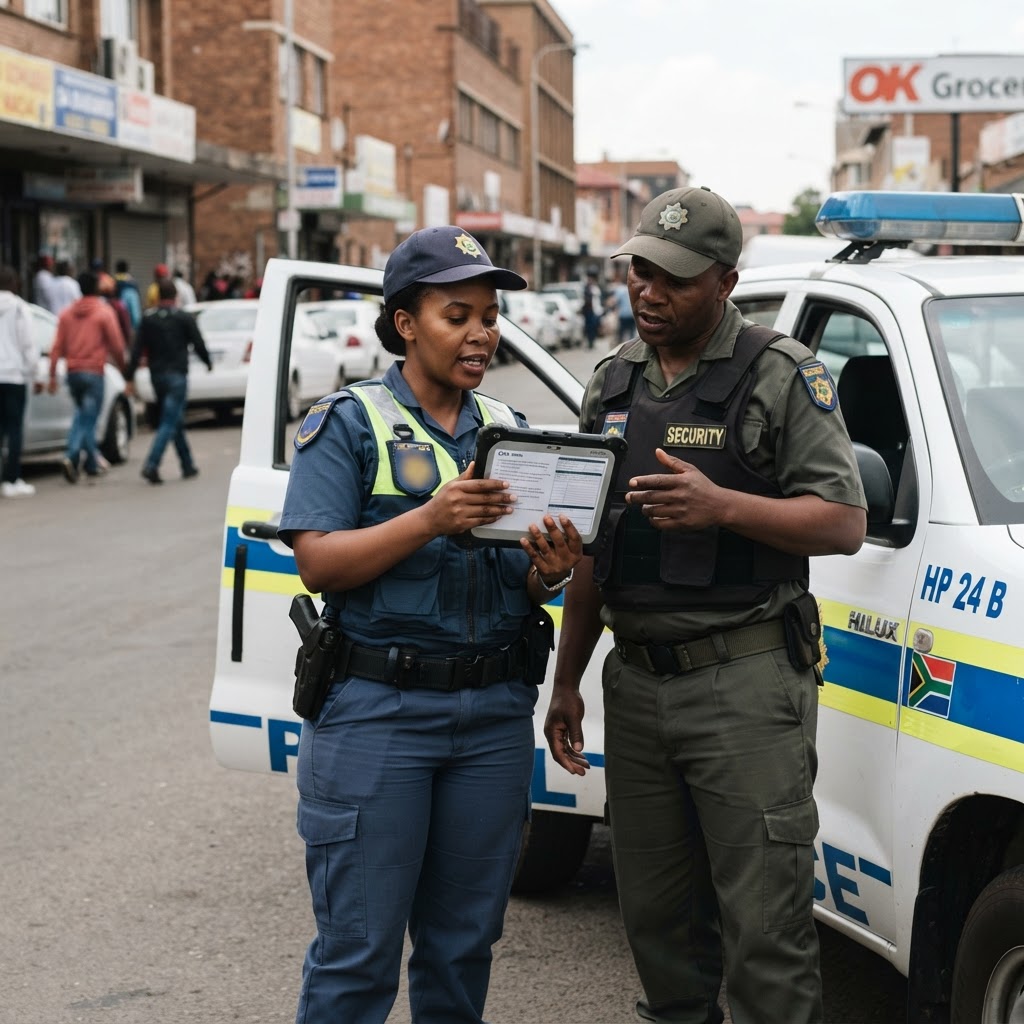
Officer and police discussing a case
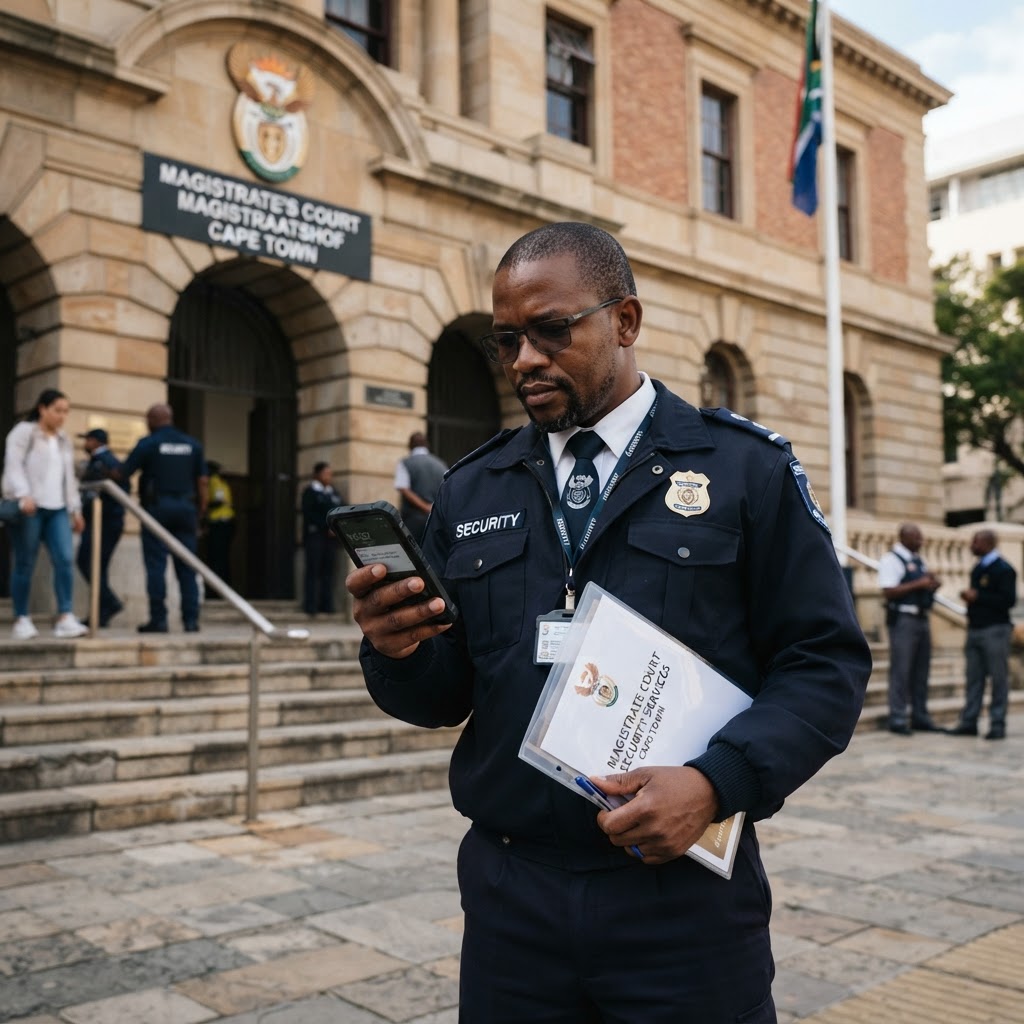
Manager with a court date reminder
09 · Payroll & Finance

Payroll that matches what was actually worked — to the minute.

Attendance, penalties, loans and cash shifts feed payroll automatically, so month-end just works.


  • Hourly, daily, weekly, fortnightly, monthly and per-shift pay types
  • Overtime, public holidays, lunch deductions and leave hours
  • Payslips with employee sign-off and self-service history
  • Deductions, loans with repayment schedules, additions and disputes
  • Pay query workflow: employee → manager verification → director approval
  • Cash shifts: requisition, banking verification, payment and reconciliation
  • SARS EMP201, EMP501 and tax certificates
  • Accounting: chart of accounts, journals, reports and recurring client invoices
  • Versioned KPI penalty policy with simulator and publish flow
Finance manager reviewing payroll
Guard viewing his payslip
Director approving a payment
10 · Uniforms & Equipment

Know who has what — and who signed for it.

Every uniform and piece of kit is issued, signed for and tracked against the employee.
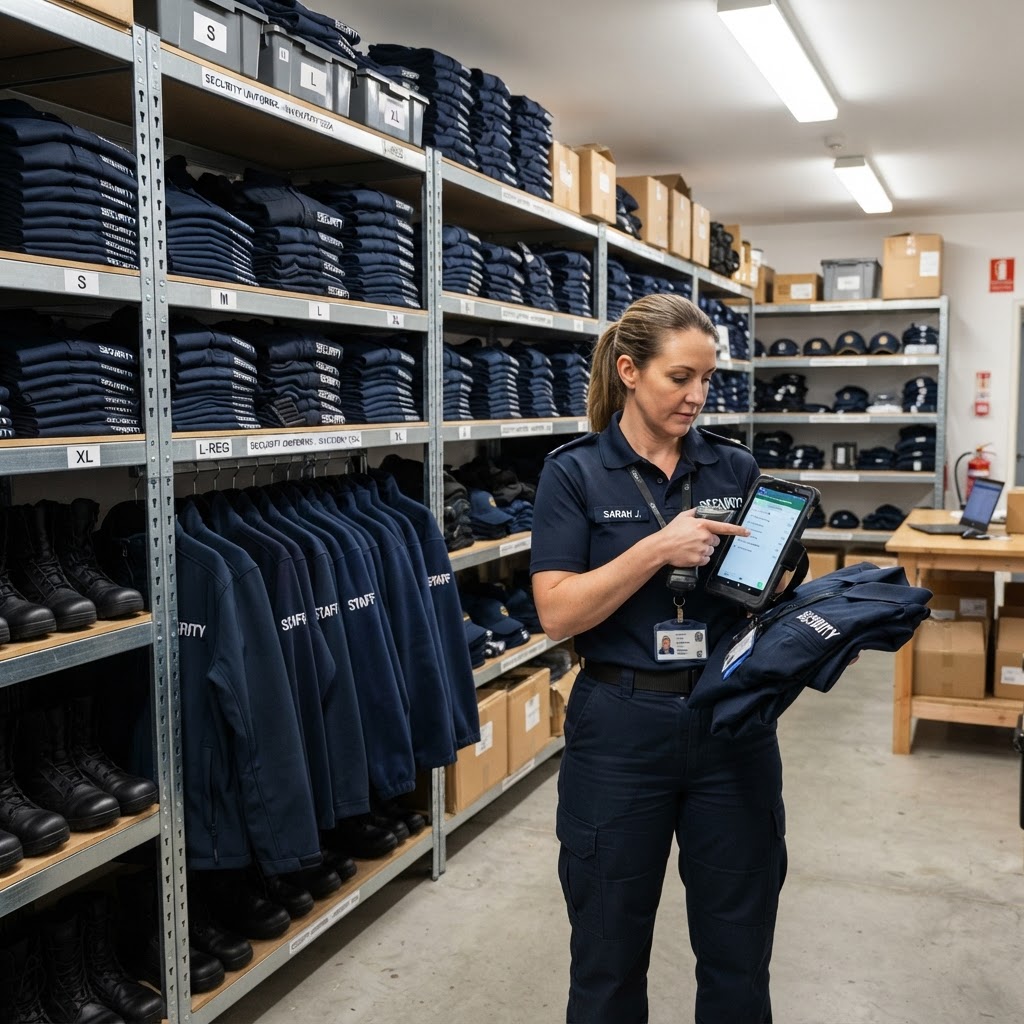
  • Uniform requests, stock levels and low-stock notifications
  • Price lists, purchase planning and purchase orders
  • Uniform issues with digital signature links and reminders
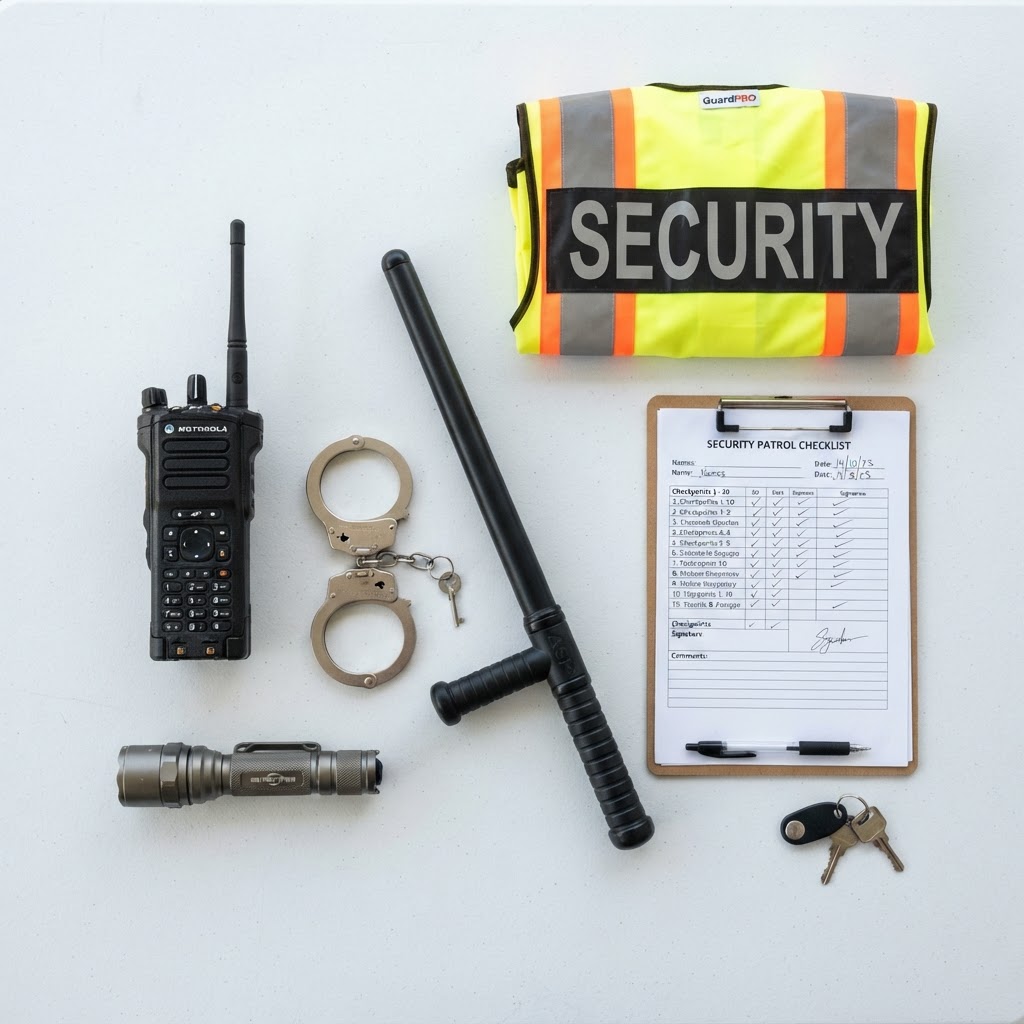
  • Equipment register, transfers, loss reporting and audit trails
  • Shift equipment checks with faulty items routed to the task board
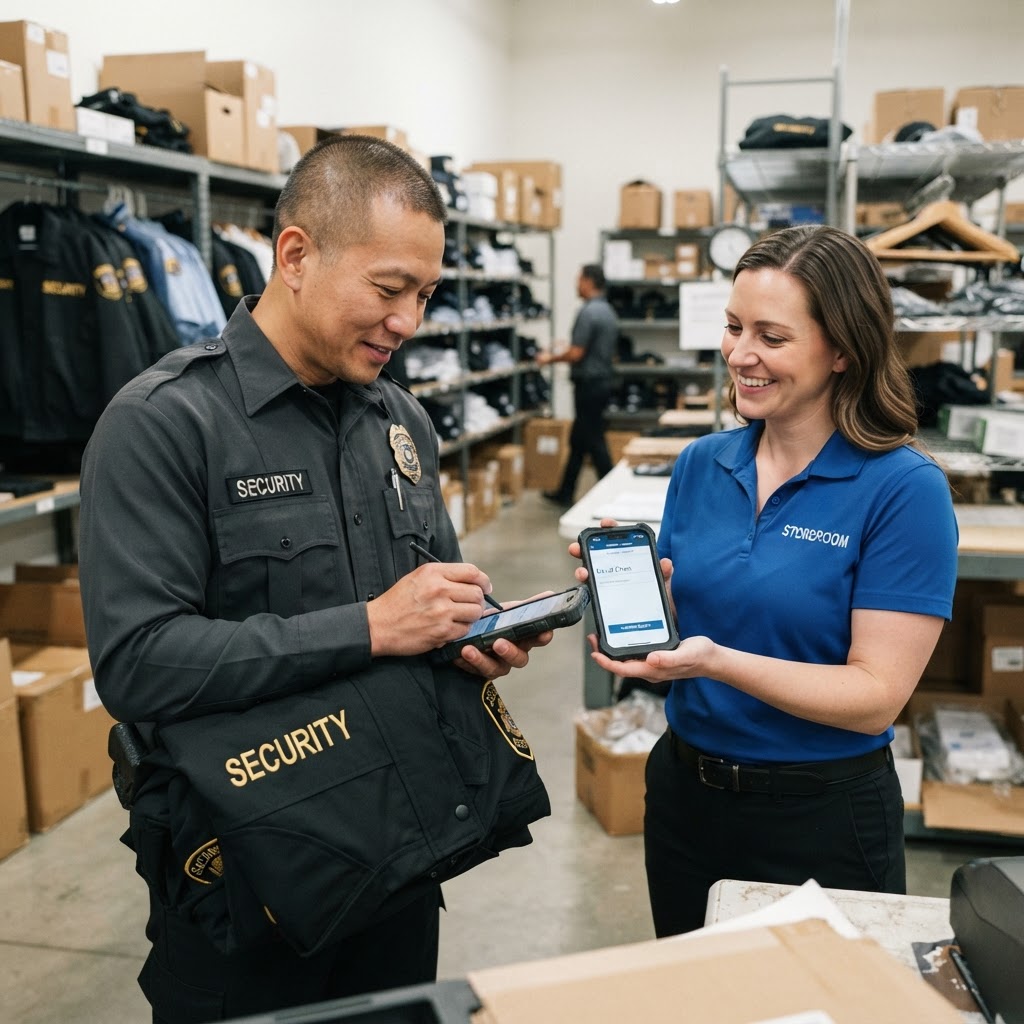
Uniform storeroom stock
Guard signing for a new uniform
Security equipment kit
11 · Fleet & Firearms

Protect your vehicles and your armoury with full accountability.

Damage and misuse are traced to the last driver or holder — automatically.
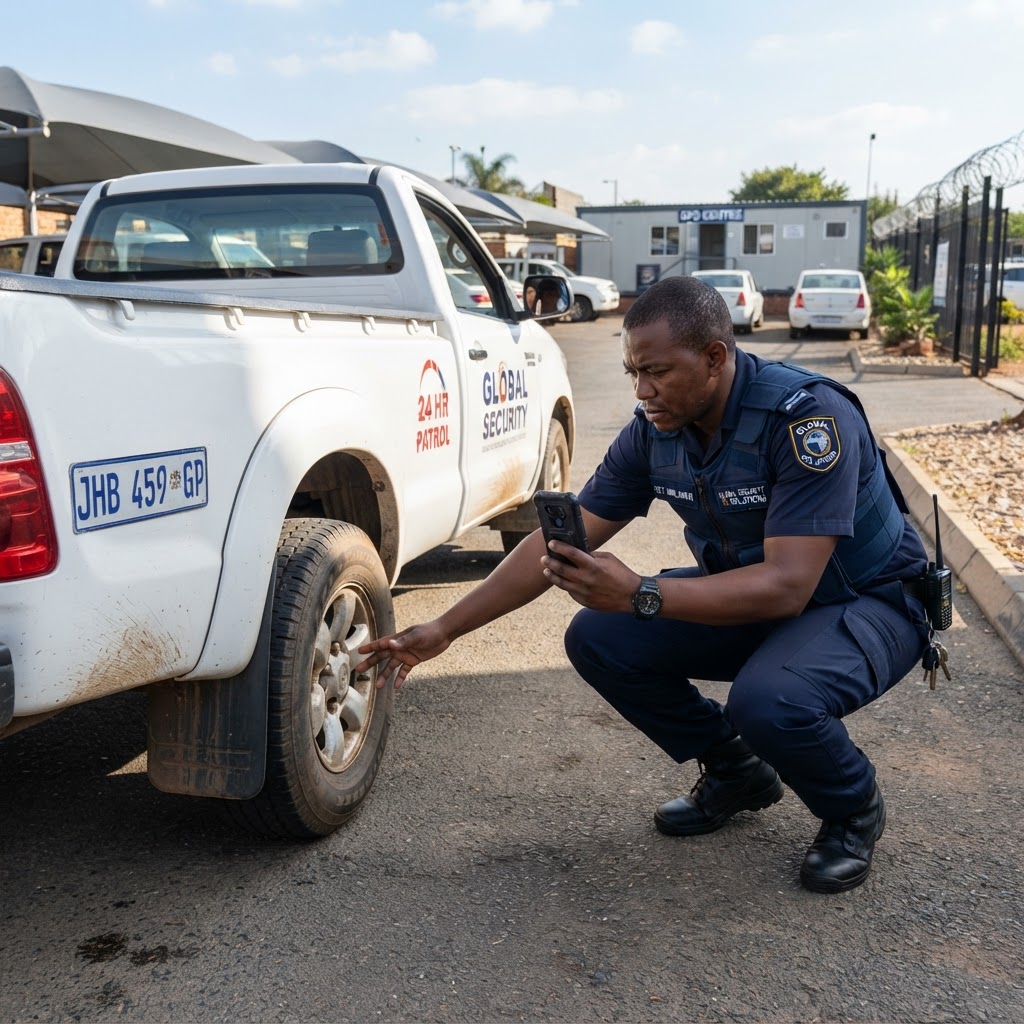
  • Daily vehicle checks with daylight-locked full inspections
  • AI photo analysis for vehicle damage
  • Damage reports → quote → director-approved driver deduction
  • Vehicle handovers with last-driver attribution
  • Fuel slips, consumption dashboards and anomaly detection
  • Service, licence and expiry alerts
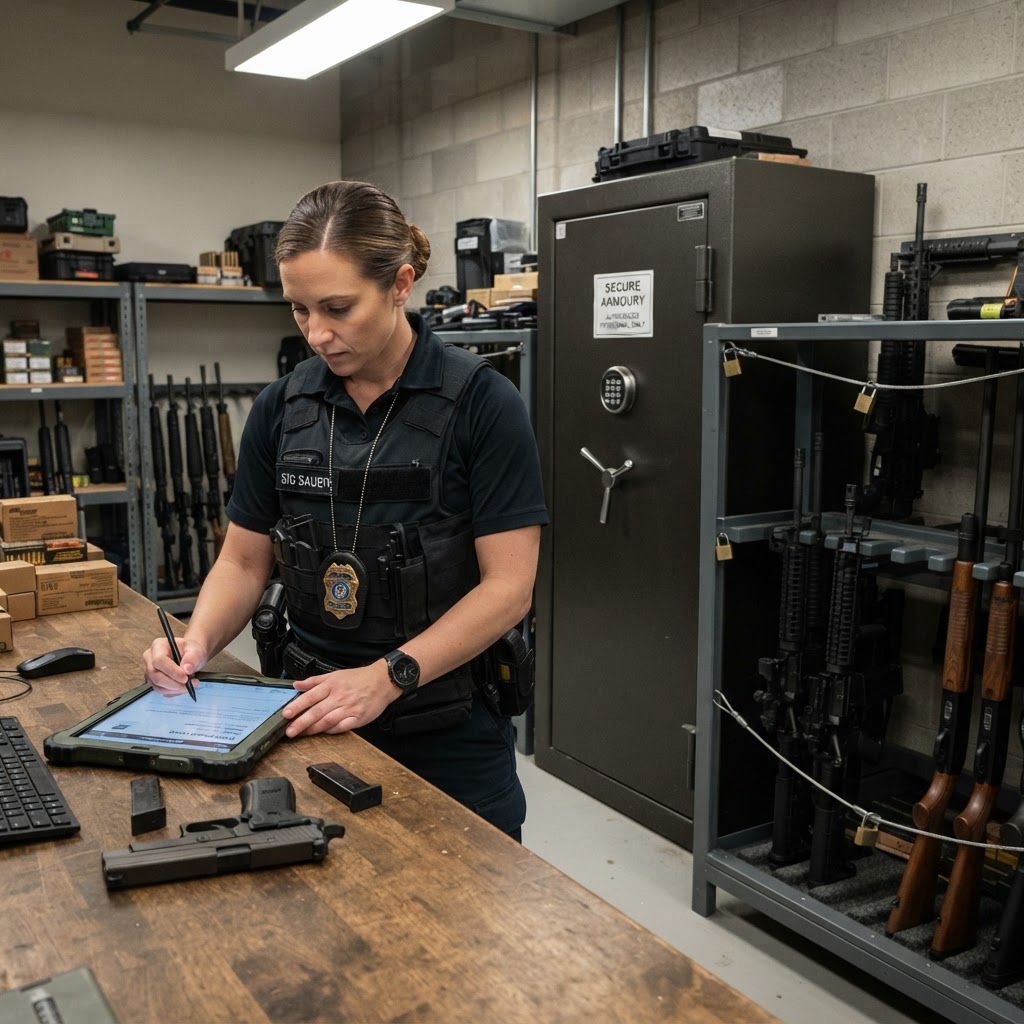
  • Firearm master register, issue/return, armoury log and ammunition stock
Morning vehicle inspection
Security patrol fleet
Armoury firearm register
12 · Client Portal

Give your clients the transparency that wins contract renewals.

Clients see live proof of service for their sites — on their phone.
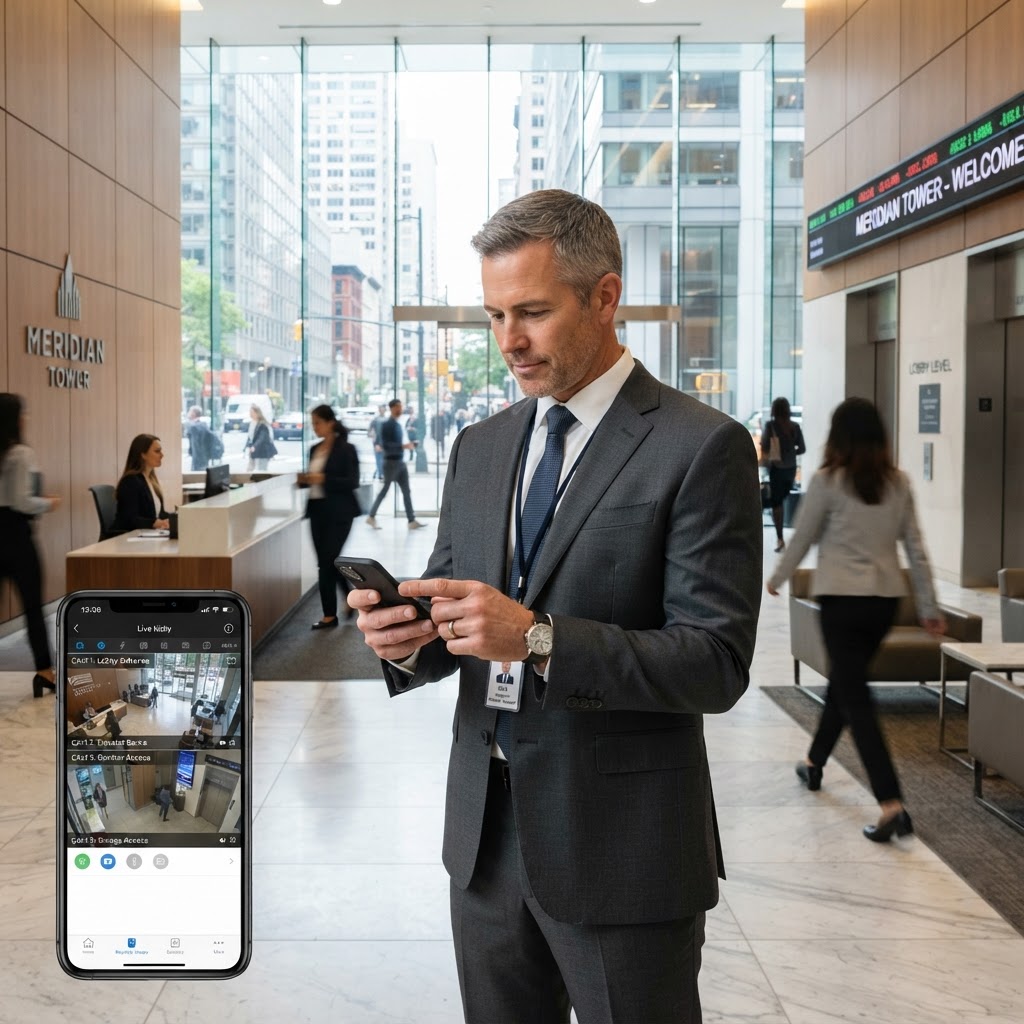
  • Dedicated client login with site-scoped access
  • Live on-duty officers, patrol runs and OB feed
  • Incident reports with client acknowledgement and comments
  • Guard reports and monthly site reports (PDF)
  • SOP suggestions from clients and meeting records
Client checking live updates on his phone
Client meeting with a site report
Estate manager reading a security report
13 · Talent Recruitment

Never be short of vetted guards again.

A shared talent library of pre-registered security and cleaning candidates, ready to recruit.
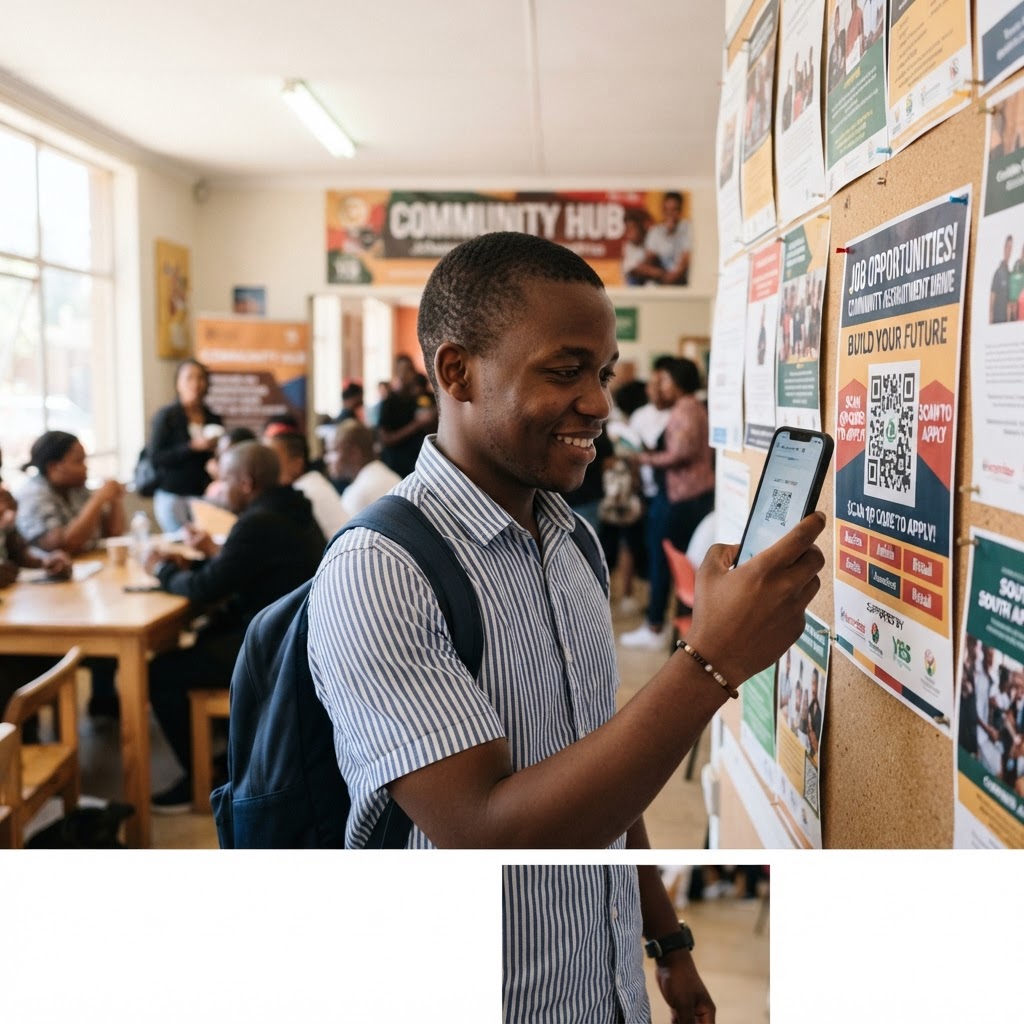
  • Public, no-login candidate registration by QR or WhatsApp link
  • Search by town, category, PSIRA grade, licence and availability
  • Duplicate ID rejection and SA ID validation
  • Contact details unlocked only when you shortlist
  • Recruitment pipeline: shortlisted → interviewed → offered → placed
  • One-click placement into a full employee record
  • Public job vacancies listed on Google Jobs, with applicants flowing into the talent library
Job seeker scanning a recruitment QR code
Candidate interview
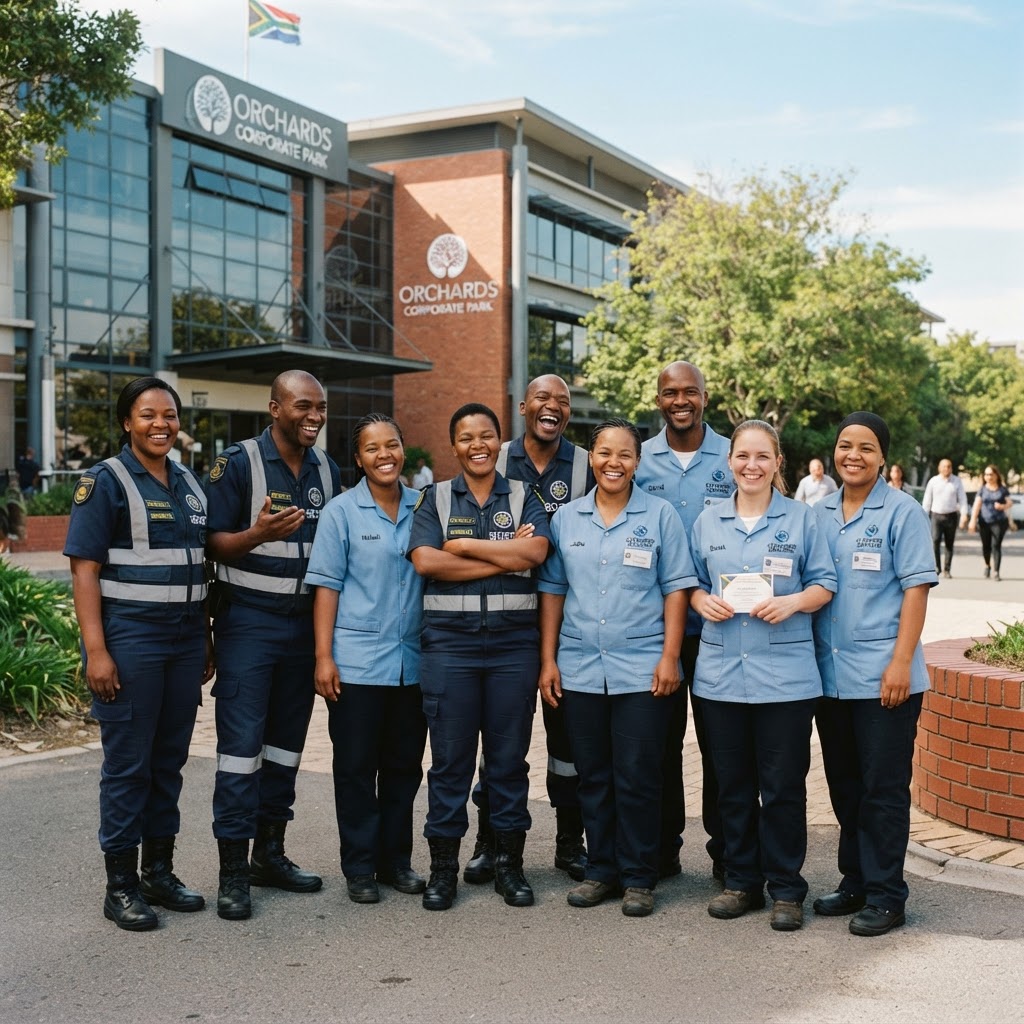
Newly hired staff
14 · Compliance & SOPs

Stay audit-ready, every site, every day.

SOPs, PSIRA status and site changes are tracked and provable on demand.
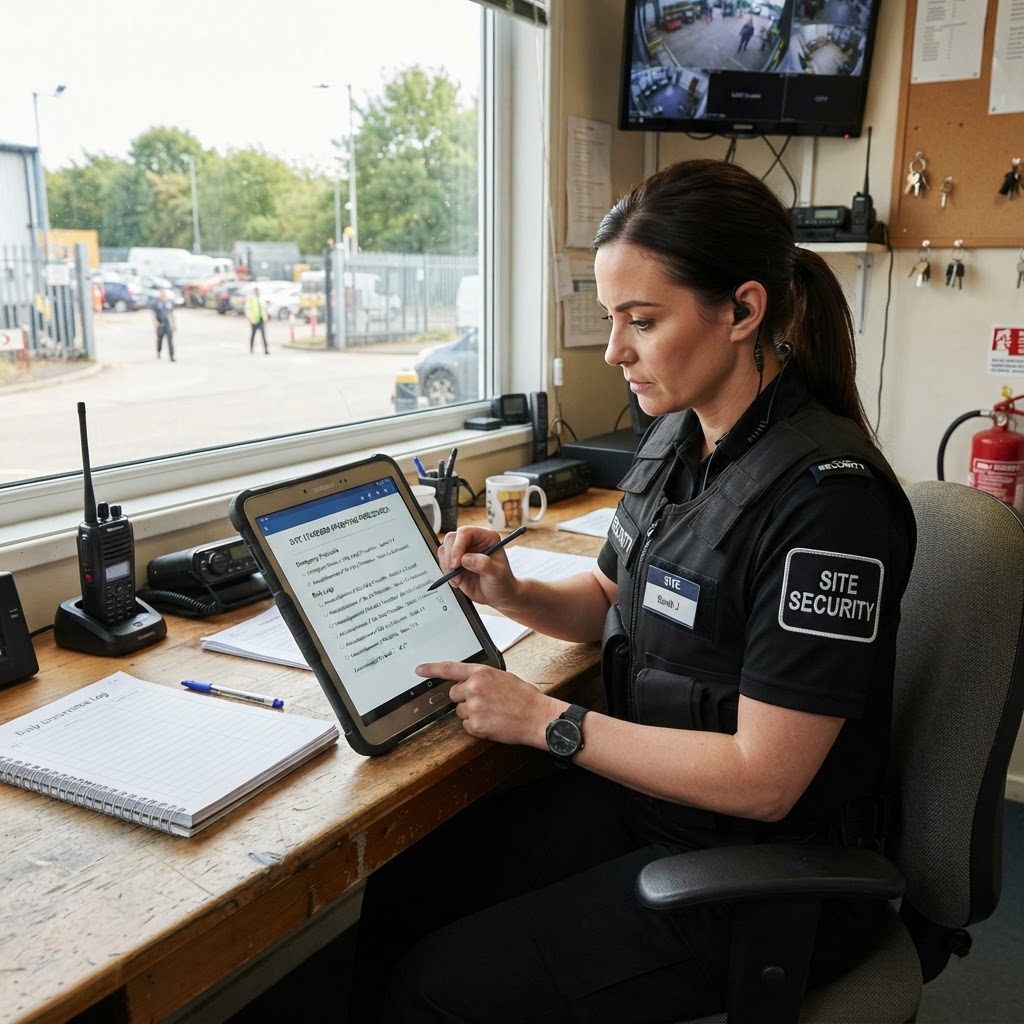
  • Site SOP templates, questionnaires and per-site SOP documents
  • Guard SOP acknowledgement tracking and remediation actions
  • PSIRA and document expiry alerts
  • Full site change audit trail and geofence audit log
  • Daily company backups to Google Drive
Guard acknowledging site SOPs
Compliance audit checklist
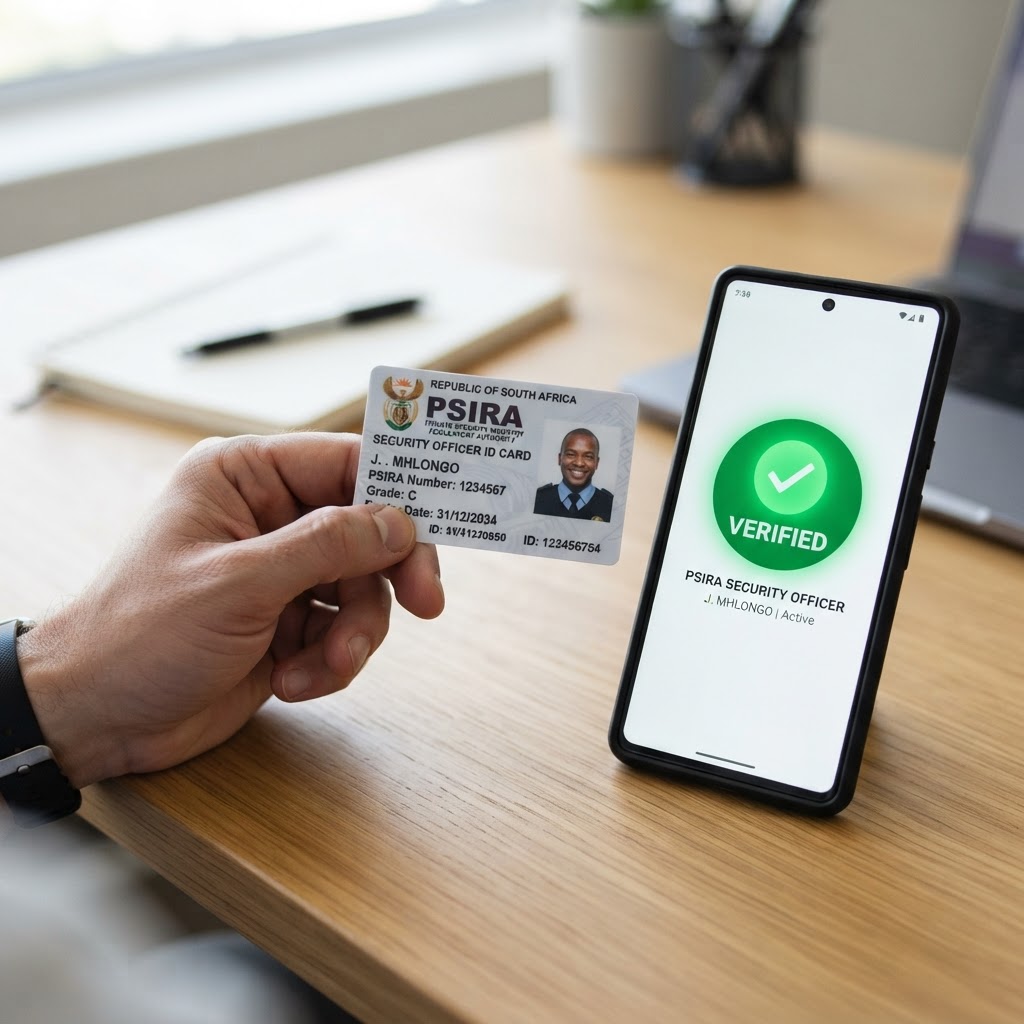
Verified security officer ID
15 · Reports & Analytics

Run your operation from one live command centre.

See every site's status at a glance, and drill into the detail in one click.

  • Live command centre: site status tiles, coverage gaps and drill-downs
  • Business metrics banner: staffing, active shifts, incidents, coverage
  • Attendance, overtime, roll-call, staffing and performance reports
  • KPI and site compliance reports with PDF export
  • Internal messaging, broadcasts with read receipts and push notifications
  • Task board with reminders and calendar view
Live command centre dashboard
Business analytics charts
Management reviewing performance
16 · KPI & Performance

Reward your best guards and fix problems before clients see them.

Monthly scorecards and attention alerts turn raw site data into clear accountability.

  • Monthly guard scorecard combining patrol %, roll-call answers and violations
  • Top 10 employees of the month ranking
  • Per-role accountability findings with director approval before penalties apply
  • Monthly patrol targets per site with trend charts
  • Attention bell on critical site tiles: message the guard, alert a controller or manager, log an HR record or add a task
Director reviewing the guard scorecard
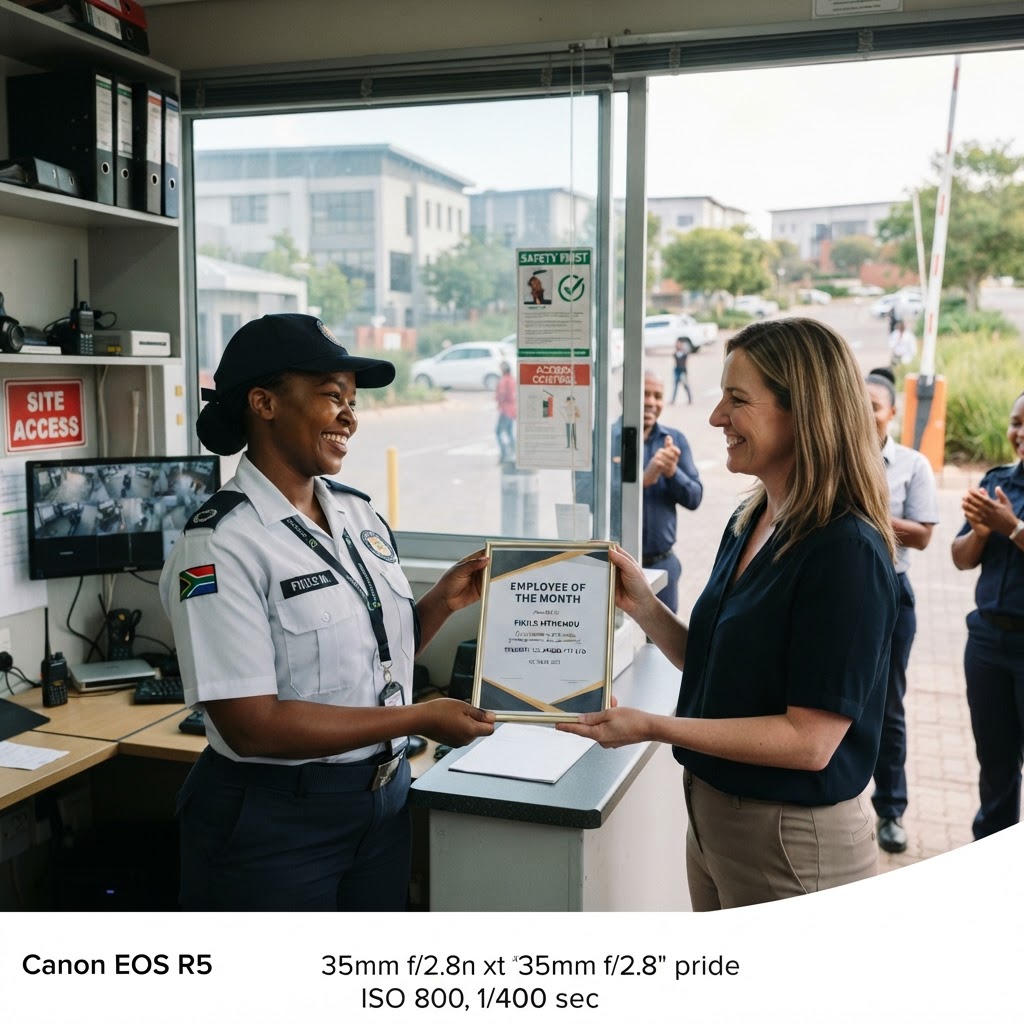
Top-performing guard recognised
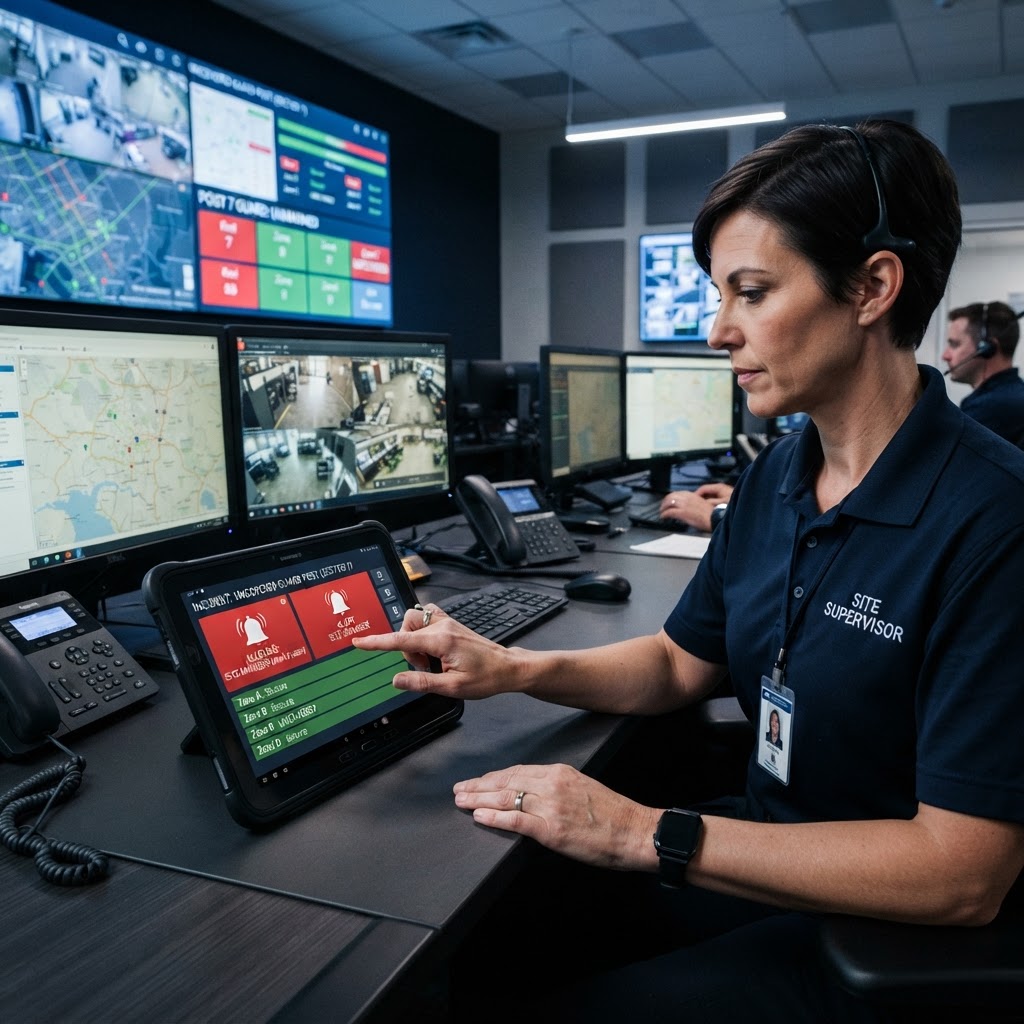
Supervisor raising an attention alert

See it running on your own sites

Message us on WhatsApp and we'll walk you through every module.

How it works

Get Started in Minutes

Three simple steps to operational excellence

STEP 01

Onboard Your Company

Register your company, add your sites with GPS coordinates, and configure shift patterns.

STEP 02

Invite Your Guards

Send invite links to your guards. They complete digital onboarding with ID upload, PSIRA verification, and agreement signing.

STEP 03

Go Live

Publish rosters, guards clock in via mobile, and management gets real-time operational visibility.

SecureOps mobile app in hand

Special offer · Oct – Dec 2026

3 months free
  • Sign up between October and December 2026
  • First 3 months completely free
  • Then R99 per employee per month, locked in for 12 months
  • Standard R149 per employee per month thereafter
  • No contract, cancel anytime
Relaxed operations manager reviewing a live dashboard

Proven in the field

Every feature is proven on live South African guarding sites before release. We built SecureOps because global platforms don't understand South African labour realities, PSIRA or NBCPSS rules.

Simple pricing. One price per employee.

R149 per employee per month, all modules included.

Special offer: sign up between October and December 2026 and get your first 3 months completely free, no contract. Then R99 per employee per month, locked in for 12 months. Standard R149 thereafter.

Billed monthly in advance based on active employees. No long-term contract. Cancel anytime. Prices exclude VAT.

Looking for work?

Join our Talent Library

Security officers, rangers, controllers and cleaners — register free in a few minutes and get found by security companies hiring near you.

Contact

Get In Touch

Interested in deploying SecureOps for your security company? Reach out for a demo.

Send us an enquiry

We'll reply on WhatsApp, usually within the hour.

Looking for work?